
 Sign in with Telegram
How to Host a Paid Book Club on Telegram
Run a paid Telegram book club with monthly membership, private discussion, and automatic access when members renew or leave.

Free reading chats fill with lurkers, spoilers, and people who vanish after week one. A paid telegram book club membership works when the room stays small enough to discuss, and when access tracks who actually renews. The hard part is rarely picking the next title. It is keeping the door honest while you host.
Here is a practical way to host a paid book club on Telegram: private discussion, optional announcements, monthly billing, and automatic invites and removals so you are not DMing PDFs of the member list.
Key takeaways
- Run discussion in a private group. Add a private channel only if you need clean schedules and prompts.
- Sell one membership that unlocks the rooms you use; do not paste a permanent invite after a bank transfer.
- Cards settle to your Stripe; crypto can run through your NOWPayments or CCPayment account.
- Removals follow period end plus grace. Grace defaults to 0 days.
- MemberPilot handles checkout-to-Telegram access; you host the club.
The book club problem Telegram does not solve
Telegram gives you threads, polls, voice chats, and pin messages. It does not give you recurring billing or a kick when someone ghosts after the free sample month.
Without that, you either undercharge forever or become the person who checks who paid every Sunday. Both kill the host.
Channel, group, or both
For most clubs:
- Group: live discussion, reactions, voice notes, accountability ("I finished chapter 4").
- Channel (optional): weekly reading plan, meeting time, spoiler-safe posts from the host.
If you want both, put them on one plan so members pay once. See bundle a VIP channel and group and private channel vs group.
How to host a paid Telegram book club
1. Create the private rooms and set house rules
Make the group private. Pin rules: spoiler policy, meeting cadence, how you handle missed weeks. If you use a channel, keep it private too and point members there for the schedule.
2. Connect payments you own
Connect Stripe for cards. Add NOWPayments or CCPayment if your readers prefer crypto. Sales settle to your connected accounts. MemberPilot never holds your revenue. At checkout, customers see your price plus a 5% MemberPilot service fee.
MemberPilot is the membership tool: add the shared MemberPilot bot as admin, create the offer, share the checkout link. It is not affiliated with or endorsed by Telegram.
3. Price the membership simply
Monthly is the usual fit for a reading club. Yearly works if you run seasons. Avoid inventing a new payment method per book unless you truly run closed cohorts. Most hosts keep one club room and rotate titles inside it.
For a deeper monthly setup, see charge for a monthly private Telegram group.
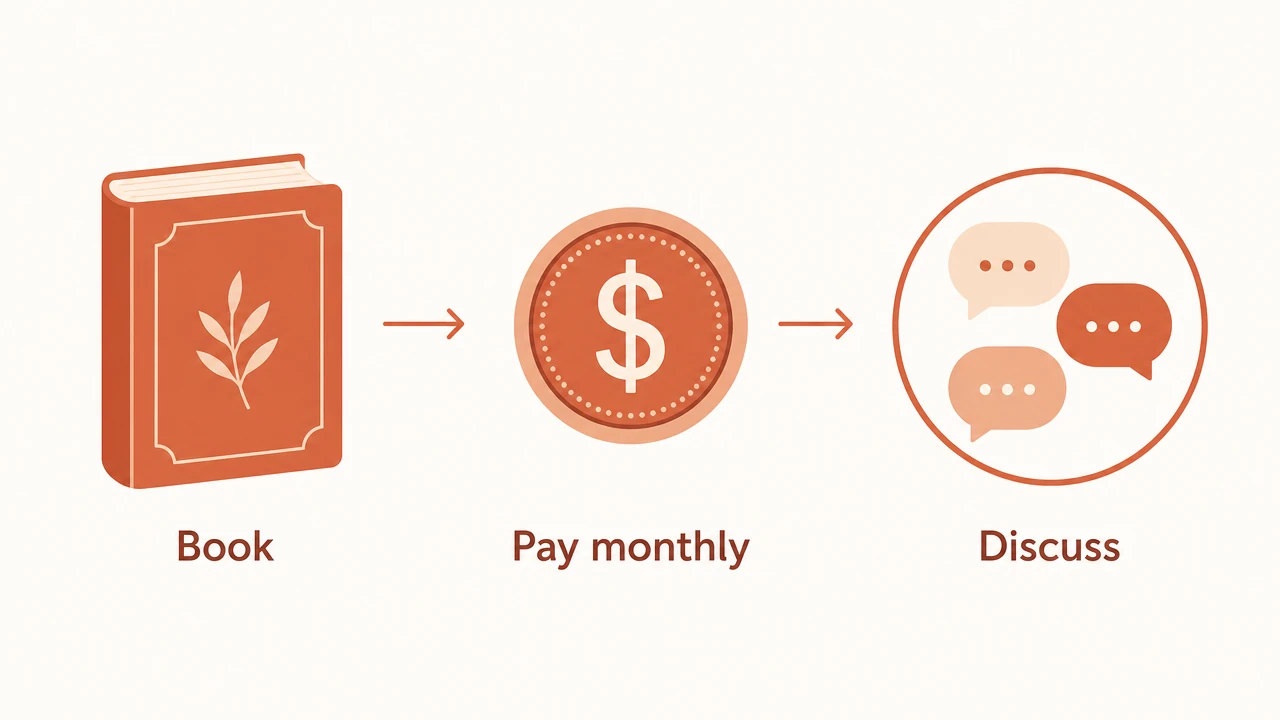
4. Share checkout, not a forever invite
Post the checkout link in your newsletter, Instagram bio, or public Telegram channel. After payment confirms, the member gets a controlled join path into the private rooms. That stops the "can you add my friend for free" leak that empties paid clubs.
5. Let renewals and exits run without you
When someone cancels, they stay until the paid period ends. Then they leave automatically unless you added grace days. Default grace is 0, which is usually right for a book club: if the month ends, so does access to next month's discussion.
What makes the club worth paying for
Billing only works if the room delivers something free chats do not:
- A fixed pace and live discussion windows
- A host who shows up
- Spoiler boundaries people respect because the room is small
- Archives of notes or voice recaps you pin
Membership software cannot write those. It can stop unpaid accounts from sitting in the archive while your paying members subsidize them.
Open the club without babysitting the roster
Pick the next book, set the meeting time, connect Stripe, and publish one offer for the private group (and channel if you use one). Invites after payment and removals after expiry are the parts you should not do by hand.
See pricing, or start for free and create the offer. Questions about your setup: contact.
Frequently asked questions
- How do I charge for a Telegram book club?
- Create a private group (and optional announcements channel), set a membership price, and sell access through checkout with your own Stripe or crypto account. Paying members get invited automatically; non-payers do not stay after the period ends.
- Should a paid book club use a channel or a group?
- Use a group for discussion. Add a private channel if you want schedules, spoilers-free posts, or weekly prompts without chat noise. One membership can unlock both if you bundle them.
- What happens when someone stops paying for the book club?
- They keep access until the end of the period they already paid for. After that, plus any grace you configured (default zero days), they are removed from the private chats automatically.
- Can I run monthly cohorts with different books?
- Yes. Keep one ongoing membership for the club room, and change the reading list inside the group. You do not need a new Telegram chat for every title unless you want separate cohorts.
- How much does MemberPilot cost for a book club?
- There is no monthly fee for creators. Customers pay a 5% service fee at checkout on top of your price. Stripe or crypto processor fees are separate.
Sources
- Telegram Bot API reference · Telegram
- Stripe Connect documentation · Stripe